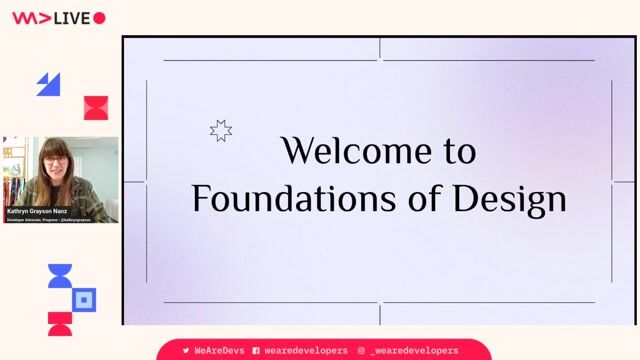
Kathryn Grayson Nanz
Learn Enough Design to Be Dangerous
#1about 4 minutes
Design is a learnable skill, not an innate talent
Design is a science based on how the human brain processes information, making it a skill that any developer can learn and apply.
#2about 7 minutes
Exploring the fundamentals of color theory
Learn the difference between additive (RGB) and subtractive (CMYK) color systems and how context, hue, and value influence color perception in UIs.
#3about 5 minutes
How to build effective UI color schemes
Use four tried-and-true methods—monochromatic, analogous, complementary, and triadic—to create harmonious and effective color palettes for your user interfaces.
#4about 1 minute
Ensuring color accessibility in your designs
Use accessibility checkers and consider high-contrast themes to ensure your color choices are readable and usable for all users.
#5about 5 minutes
Using Gestalt principles for intuitive layouts
Leverage Gestalt theory's six patterns—similarity, closure, continuity, proximity, figure-ground, and symmetry—to align your designs with natural human perception.
#6about 5 minutes
Establishing a clear visual hierarchy
Control user attention by strategically using size, placement, and color to create contrast and guide users through your interface.
#7about 5 minutes
How to achieve balance in UI composition
Distribute visual weight evenly across your design using symmetrical or asymmetrical balance to create a sense of stability and comfort for the user.
#8about 2 minutes
Using white space to improve clarity
White space is a critical design element that gives content room to breathe, reduces visual clutter, and improves user comprehension.
#9about 6 minutes
An introduction to typography fundamentals
Learn essential typography terms like typeface vs. font, kerning, tracking, and leading, and how to avoid common layout issues like widows and orphans.
#10about 5 minutes
Choosing the right typeface for your project
Select the best typeface by understanding the personalities of serif, sans-serif, display, and script fonts and asking critical questions about your message and audience.
#11about 17 minutes
Conclusion and Q&A on design practices
A summary of design as a science is followed by answers to audience questions on color, layout, aesthetics, and personal workflow.
Related jobs
Jobs that call for the skills explored in this talk.


Matching moments

02:46 MIN
How design trends can create accessibility issues
WeAreDevelopers LIVE - Is Software Ever Truly Accessible?
Unlock full access
Log in or set up an account to access this feature and more.
02:26 MIN
Why developers make basic cybersecurity mistakes
Don't Be A Naive Developer: How To Avoid Basic Cybersecurity Mistakes
Unlock full access
Log in or set up an account to access this feature and more.
03:26 MIN
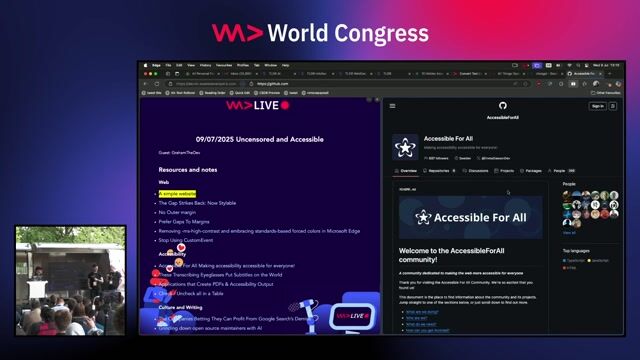
Bridging the gap between designers and developers
WeAreDevelopers LIVE - Is Software Ever Truly Accessible?
Unlock full access
Log in or set up an account to access this feature and more.
05:30 MIN
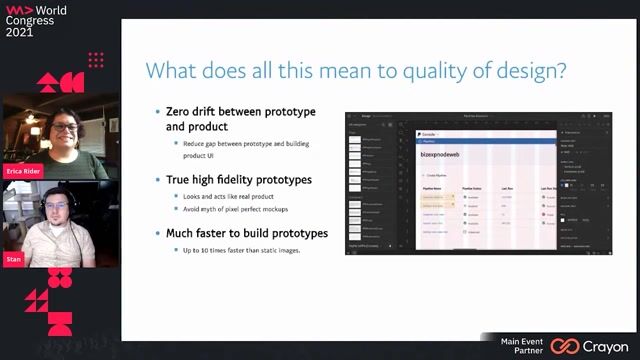
Designing components for developers, designers, and end-users
Breaking Down Silos Between Design and Development
Unlock full access
Log in or set up an account to access this feature and more.
03:39 MIN
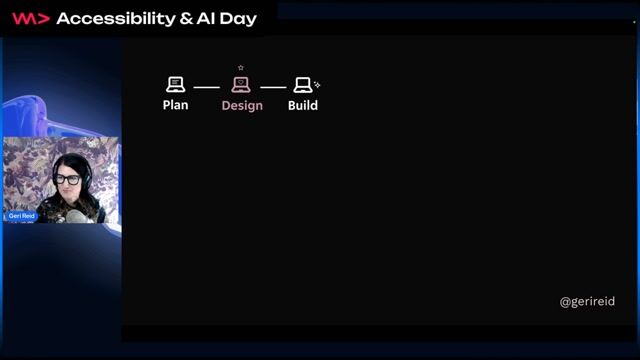
Building accessibility into design system foundations
Shift Left On Accessibility - Geri Reid
Unlock full access
Log in or set up an account to access this feature and more.

01:24 MIN
Making web application security accessible to developers
What The Hack is Web App Sec?
Unlock full access
Log in or set up an account to access this feature and more.

05:42 MIN
How to get developers to use a design tool
Building Collaborative Open Source tools for Developers and Designers - Pablo Ruiz-Muzquiz from Penpot
Unlock full access
Log in or set up an account to access this feature and more.

05:10 MIN
Debunking the myth of not being technical enough
From Gazelle to Pride Leader: The Path to Public Speaking in Tech
Unlock full access
Log in or set up an account to access this feature and more.
Featured Partners
Related Videos
 28:01
28:01Don't Be A Naive Developer: How To Avoid Basic Cybersecurity Mistakes
Tino Sokic
 1:05:49
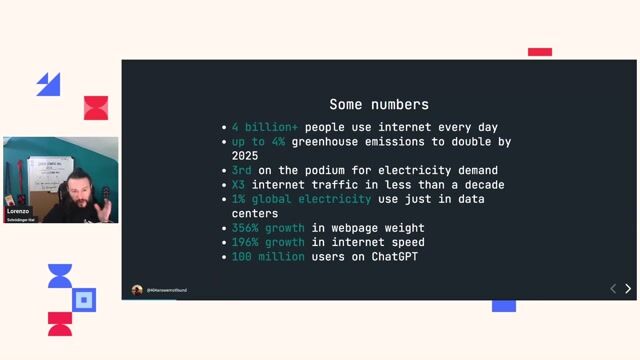
Sustainable me. A tale of good design.
Lorenzo Pieri
 55:07
55:07What makes a great Software Engineer? Challenging our Assumptions Instead of Talking about Imposter Syndrome
Irina Anastasiu
 55:33
55:33Don’t shoot yourself in the foot.
Karol Rogowski
 31:12
31:12But, you're not Facebook
Kristijan Ristovski
 58:19
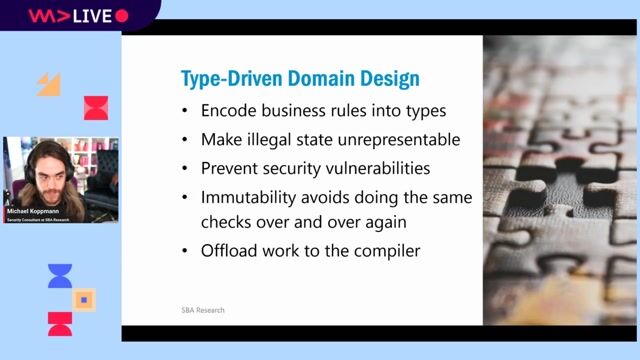
58:19Typed Security: Preventing Vulnerabilities By Design
Michael Koppmann
 23:05
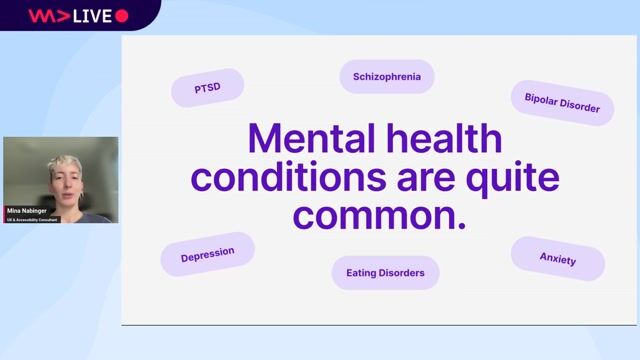
23:05Design patterns for neurodiversity and mental health
Mina Nabinger
 29:11
29:11Design Principles For The Web
Jeremy Keith
Related Articles
View all articles
.webp?w=240&auto=compress,format)


From learning to earning
Jobs that call for the skills explored in this talk.


