Cathrin Möller
The Illusion of a Performant Web Application
#1about 3 minutes
The psychology of perceived application speed
Understanding the human perception of time delays from 100 milliseconds to 10 seconds is key to building applications that feel fast.
#2about 3 minutes
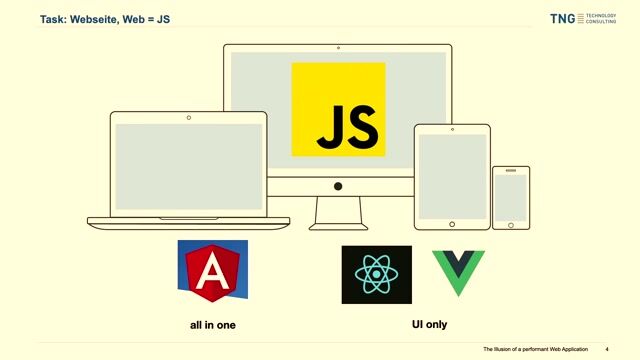
Why enterprise teams choose the Angular framework
Angular is often selected for large applications because it provides an all-in-one package with a standardized architecture, despite common concerns about its bundle size.
#3about 3 minutes
How to measure web performance with browser tools
Use tools like Chrome DevTools and Google Lighthouse to diagnose performance bottlenecks and measure key metrics, but avoid over-optimizing for a perfect score.
#4about 2 minutes
Fixing layout shifts with a simple CSS trick
Prevent the common header-footer collapse and improve your layout shift score by setting a minimum height of 100vh on the body and HTML elements.
#5about 6 minutes
Improving initial load with shimmer animations
Combat the blank screen during initial load by adding a shimmer or skeleton animation directly into your index.html for a better perceived waiting experience.
#6about 5 minutes
Avoiding blocking JavaScript during app bootstrap
Prevent blocking the application's startup process by moving runtime configuration and localization out of the initial JavaScript execution path, favoring deploy-time or build-time alternatives.
#7about 2 minutes
Using non-blocking app initializers in Angular
Ensure tasks like analytics setup don't delay your application's launch by changing the return type of your Angular APP_INITIALIZER from a promise to void.
#8about 3 minutes
Enhancing runtime performance with CSS and UX
Mask slow backend operations by using CSS transitions on interactive elements, providing clear user feedback, and implementing optimistic updates.
#9about 1 minute
Loading costly data with parallel requests
Improve initial screen usability by loading essential data first and fetching computationally expensive or slow data in a separate, parallel request.
#10about 1 minute
Conclusion and key performance takeaways
Focus on perceived waiting time, customize your index.html with animations, avoid blocking JavaScript, and use optimistic updates to create the illusion of a faster application.
Related jobs
Jobs that call for the skills explored in this talk.


Matching moments
02:44 MIN
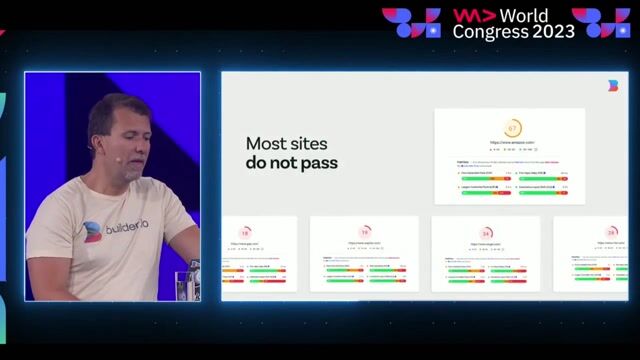
The performance problem with modern web applications
Qwik: Making sure that easy is same as performant
Unlock full access
Log in or set up an account to access this feature and more.

01:57 MIN
The two primary approaches for improving frontend performance
To New Frontiers: The Future of Frontend Development
Unlock full access
Log in or set up an account to access this feature and more.

07:34 MIN
Key Angular features for building robust applications
Differential Loading
Unlock full access
Log in or set up an account to access this feature and more.

02:29 MIN
The web performance problem with modern frameworks
Interactive server side components
Unlock full access
Log in or set up an account to access this feature and more.
01:45 MIN
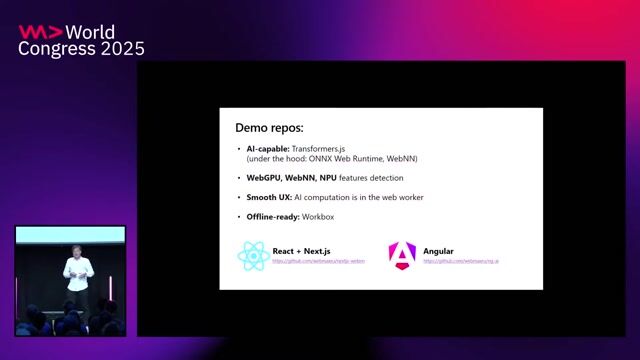
Demo code and using web workers for performance
Privacy-first in-browser Generative AI web apps: offline-ready, future-proof, standards-based
Unlock full access
Log in or set up an account to access this feature and more.

03:46 MIN
The challenges of large frontend frameworks like Angular
On tour with heroes == Moving from Angular to WebComponents
Unlock full access
Log in or set up an account to access this feature and more.

02:24 MIN
Improving performance with island architectures and deferred loading
Native Federation: The Future of Micro Frontends and Plugin-Systems in Angular
Unlock full access
Log in or set up an account to access this feature and more.
03:15 MIN
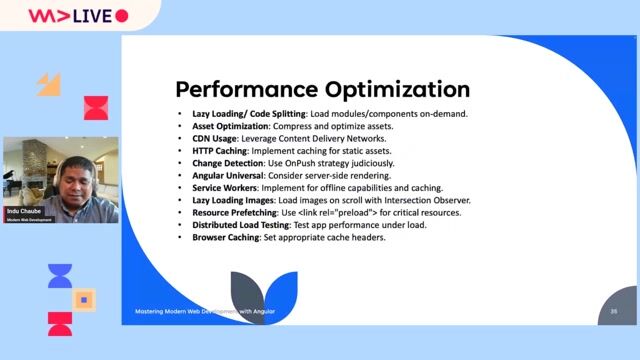
Applying key performance optimization techniques
Angular Unleashed: Mastering Modern Web Development with Angular
Unlock full access
Log in or set up an account to access this feature and more.
Featured Partners
Related Videos
 50:28
50:28Angular tips/tricks you can use from tomorrow on
Benedikt Starzengruber
 36:22
36:22Angular Features You Should be Using
Sani Yusuf
 39:55
39:55Differential Loading
Sani Yusuf
 44:00
44:00SEO in Angular? No big deal with SSR and Angular Universal
Martina Kraus
 41:34
41:34State of Angular
Jessica Janiuk
 58:56
58:56Angular Unleashed: Mastering Modern Web Development with Angular
Indu Chaube
 43:08
43:08On tour with heroes == Moving from Angular to WebComponents
Benjamin Glusa
 29:14
29:14Sleek, Swift, and Sustainable: Optimizations every web developer should consider
Andreas Taranetz
Related Articles
View all articles


From learning to earning
Jobs that call for the skills explored in this talk.


BMS Corporate Solutions GmbH
Düsseldorf, Germany
Intermediate
Senior
CSS
HTML
Angular
TypeScript

autoiXpert GmbH & Co. KG
Stuttgart, Germany
Senior
Node.js
Angular
MongoDB
TypeScript

infomax websolutions GmbH
Grassau, Germany
Senior
Vue.js
Angular
JavaScript
TypeScript

doinstruct Software GmbH
Berlin, Germany
Senior
GIT
JavaScript
TypeScript


Tech Solutions Gmbh
GIT
HTML
Vue.js
Tech Solutions Gmbh
GIT
HTML
Vue.js
Tech Solutions Gmbh
GIT
HTML
Vue.js